
Ashes of the Singularity II System Requirements
Official minimum and recommended specs for Ashes of the Singularity II, plus what they mean for 1080p, 1440p and large multiplayer battles.
The official Steam requirements for Ashes of the Singularity II are reasonable on paper: a Ryzen 5 2400G or Core i5-8500, 8 GB of RAM and an RX 580 or GTX 1660 for minimum. The recommended spec asks for a Ryzen 5 5600X or Core i5-11600K, 16 GB of RAM and an RX 6750 XT or RTX 3070.
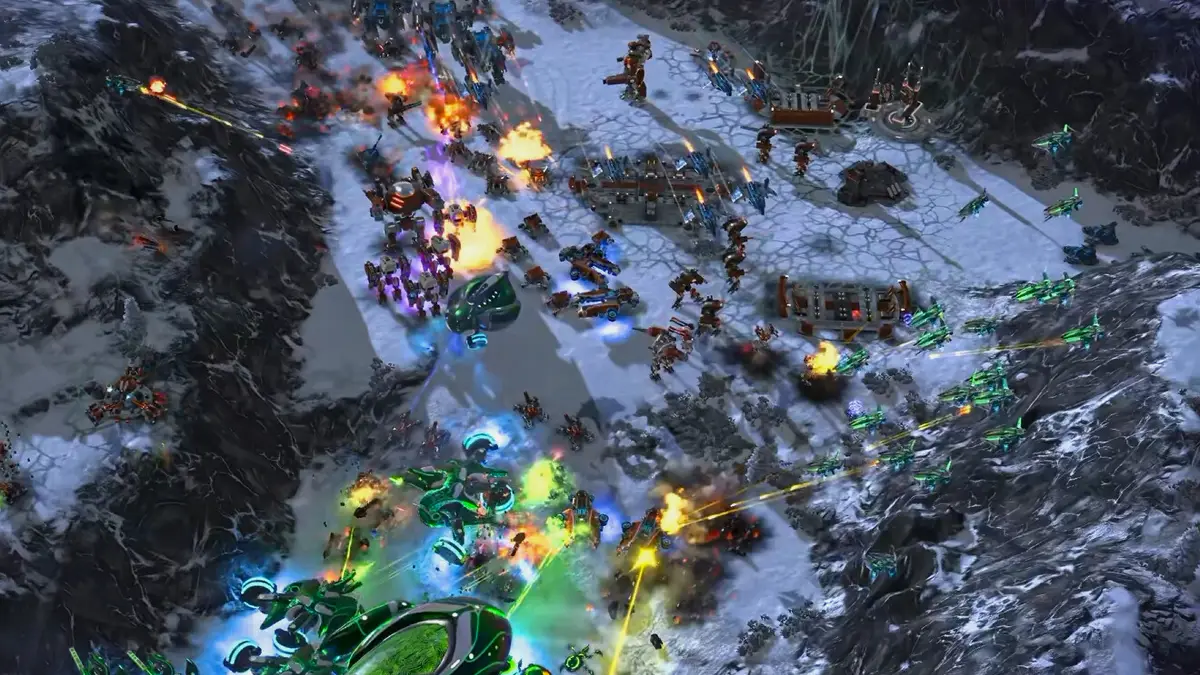
The catch is that the game simulates thousands of units, so the recommended spec is a 1080p/1440p target, not a guarantee for eight-player late-game battles.
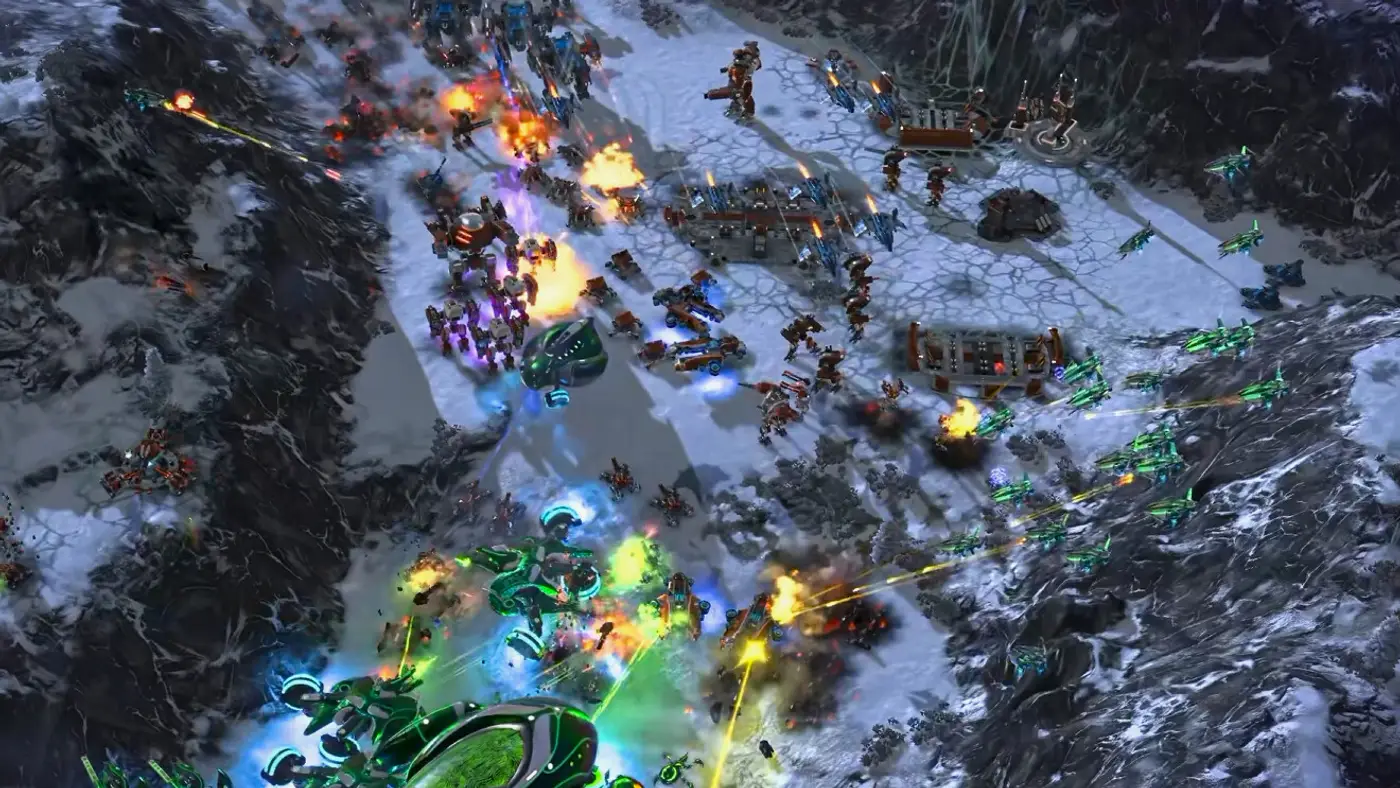
Frame rates come from published launch-week tests. Driver updates and patches can shift these numbers.
Official minimum
| Component | Minimum |
|---|---|
| OS | Windows 10 or 11, 64-bit |
| CPU | Ryzen 5 2400G or Core i5-8500 |
| RAM | 8 GB |
| GPU | RX 580 8 GB or GTX 1660 6 GB |
| DirectX | Version 12 |
| Storage | 50 GB, SSD |
Official recommended
| Component | Recommended |
|---|---|
| OS | Windows 10 or 11, 64-bit |
| CPU | Ryzen 5 5600X or Core i5-11600K |
| RAM | 16 GB |
| GPU | RX 6750 XT 8 GB or RTX 3070 8 GB |
| DirectX | Version 12 |
| Storage | 50 GB, SSD |
What the specs mean in practice
The CPU matters more than the GPU in big fights. The minimum CPUs are four-core/eight-thread parts from several generations ago. They will run the campaign, but they will struggle when the unit count climbs. The recommended Ryzen 5 5600X or i5-11600K is a sensible floor for multiplayer.
8 GB of RAM is a minimum, not a target. Windows 11 plus the game plus a browser can exceed 8 GB. If you have 8 GB, close everything else. 16 GB is the comfortable number.
The GPU requirement is about resolution, not unit count. An RX 580 or GTX 1660 can render the game at 1080p Low/Medium. It cannot compensate for a CPU bottleneck when 5,000 units are fighting.
The SSD requirement is real. The game streams assets during play, and a hard drive adds stutter. Install on an SSD.
Laptop considerations
Laptop GPUs with the same name are not the same as desktop cards. An RTX 3060 mobile is significantly slower than an RTX 3060 desktop, and a thin laptop will thermal-throttle under a long RTS session. Notebookcheck's mobile results (40–50 FPS at 1080p) are a better guide than the desktop spec sheet.
If you are buying a laptop for this game, prioritize a strong CPU and sustained cooling over a higher-tier GPU name.
Intel Arc and unusual configurations
Launch reports describe problems on Intel Arc: an Arc 140V could not run the game and an Arc B390 had missing textures. If you are on Arc, update to the latest driver and test before you buy. The game is DX12, so modern drivers matter.
The game is officially Windows-only. Linux users can try Proton, and GamingOnLinux has covered the launch, but that is not an officially supported configuration.
Will your PC run it?
A rough guide:
- Minimum spec, 1080p Low/Medium: playable campaign, 30–45 FPS, drops in large battles.
- Recommended spec, 1080p High / 1440p Medium: 50–60 FPS in normal battles, 30–40 FPS in big fights.
- High-end desktop, 1440p High: 60+ FPS outside the largest battles, simulation-limited in 8-player games.
- 4K Extreme: only on a high-end GPU, and still simulation-limited late.
If you are below the minimum, the game may launch but the campaign's later missions will be unpleasant. The performance guide covers the settings that help most.
Storage and download
The listed 50 GB is the installed size. Leave headroom for patches and shader caches; a nearly full SSD is slower. The game supports Steam Cloud, so campaign progress carries between machines.
For the next step, read Ashes of the Singularity II Performance Guide→.
FAQ
Is 8 GB of RAM enough for Ashes of the Singularity II? It meets the minimum, but 16 GB is recommended for Windows 11 and multiplayer.
Can I run the game on a GTX 1660? Yes, at 1080p Low/Medium. Expect drops in large battles.
Does the game require an SSD? The official requirements list an SSD, and the game streams assets. A hard drive will stutter.
Sources
Official source: Steam store page ↗
Keep reading
Related Guides
Ashes of the Singularity II Performance Guide
Why Ashes of the Singularity II drops frames in big battles, what the benchmarks show and the settings changes that actually help.
Ashes of the Singularity II Best Settings for Performance
A practical settings guide for Ashes of the Singularity II: resolution, presets, shadows, VSync and the Windows tweaks that help a CPU-bound RTS.
Ashes of the Singularity II Beginner Guide: First 20 Minutes
A practical opening for Ashes of the Singularity II: first build, region capture, Power and Logistics, army control and the mistakes that lose games.
Ashes of the Singularity II Multiplayer Guide
Multiplayer in Ashes of the Singularity II: army composition, scouting, team roles, the 100-unit army cap and the launch balance issues to know.
Ashes of the Singularity II Achievements Guide
The confirmed achievement data for Ashes of the Singularity II, the fastest completion routes and why 30 of the 35 achievements are rare.
Ashes of the Singularity II Ashfall Caldera Map Guide
How to play Ashfall Caldera in Ashes of the Singularity II: the trench chokepoints, the best factions and the openings that survive the funnel.
More Ashes of the Singularity II Guides
Ashes of the Singularity II Best Units Tier List
A launch tier list for Ashes of the Singularity II: the best units by role, the traps to avoid and the super units worth their logistics.
Ashes of the Singularity II Campaign Walkthrough
A spoiler-light walkthrough for the 10-mission Ashes of the Singularity II campaign: mission pacing, difficulty spikes, achievements and army tips.
Ashes of the Singularity II Economy Guide
Durantium, Elerite and Quanta explained: extractors, refineries, region Power and the economic opening that beats a bigger army.
Ashes of the Singularity II Factions Guide
How UEF, PHC and Substrate actually differ in Ashes of the Singularity II: rosters, economy, defense, air and which faction to pick first.
Ashes of the Singularity II Maps Guide
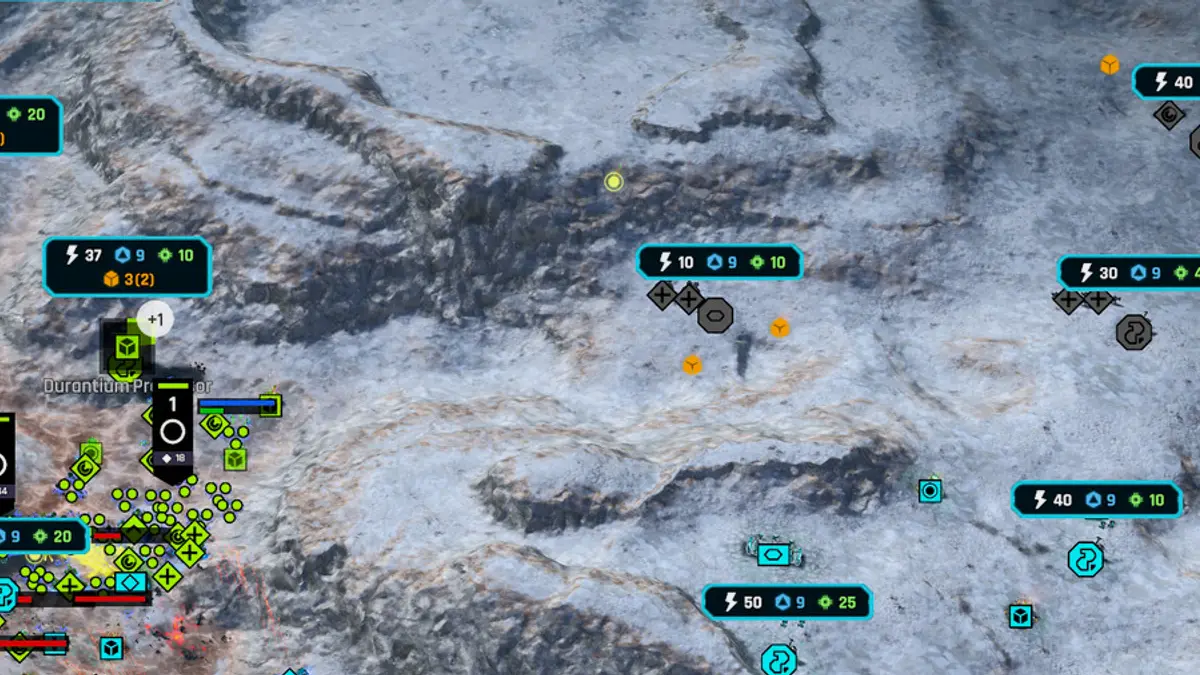
The launch maps of Ashes of the Singularity II, from the small snow map Twin Lakes to the canyon map Scorched Divide, and how each shape changes your build.
Ashes of the Singularity II PHC Build Order
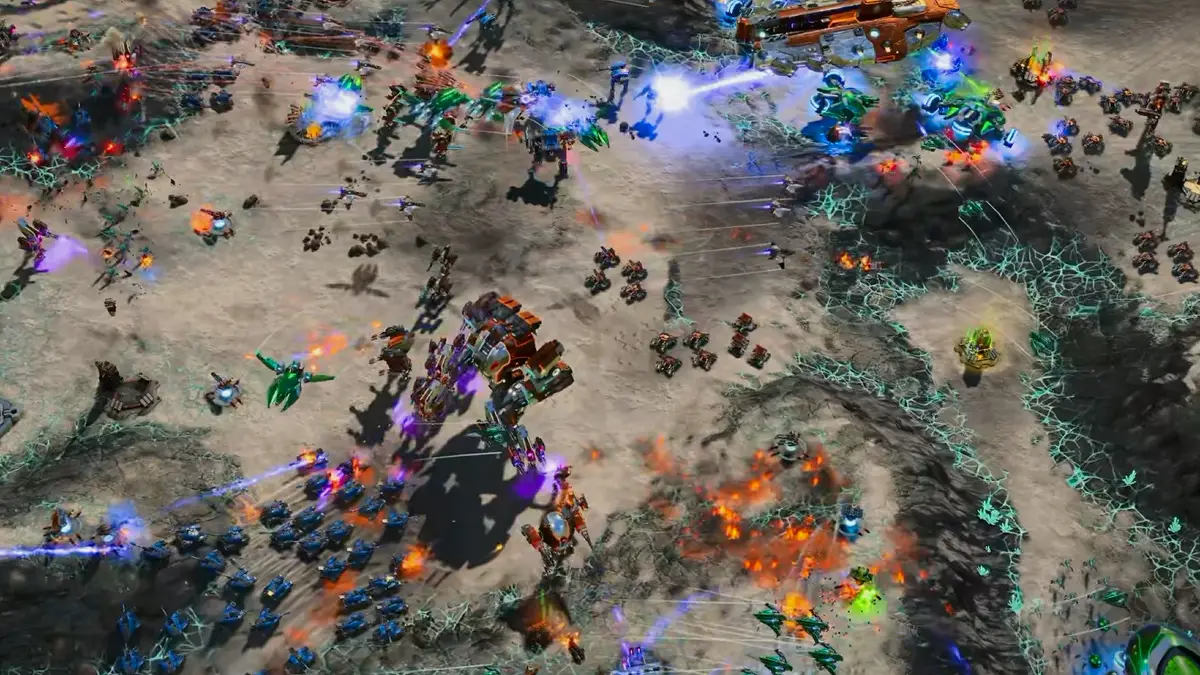
A Post-Human Coalition opening for Ashes of the Singularity II: Factory units, the Forge transition and the first Champion timing.
Ashes of the Singularity II PHC Units and Stats
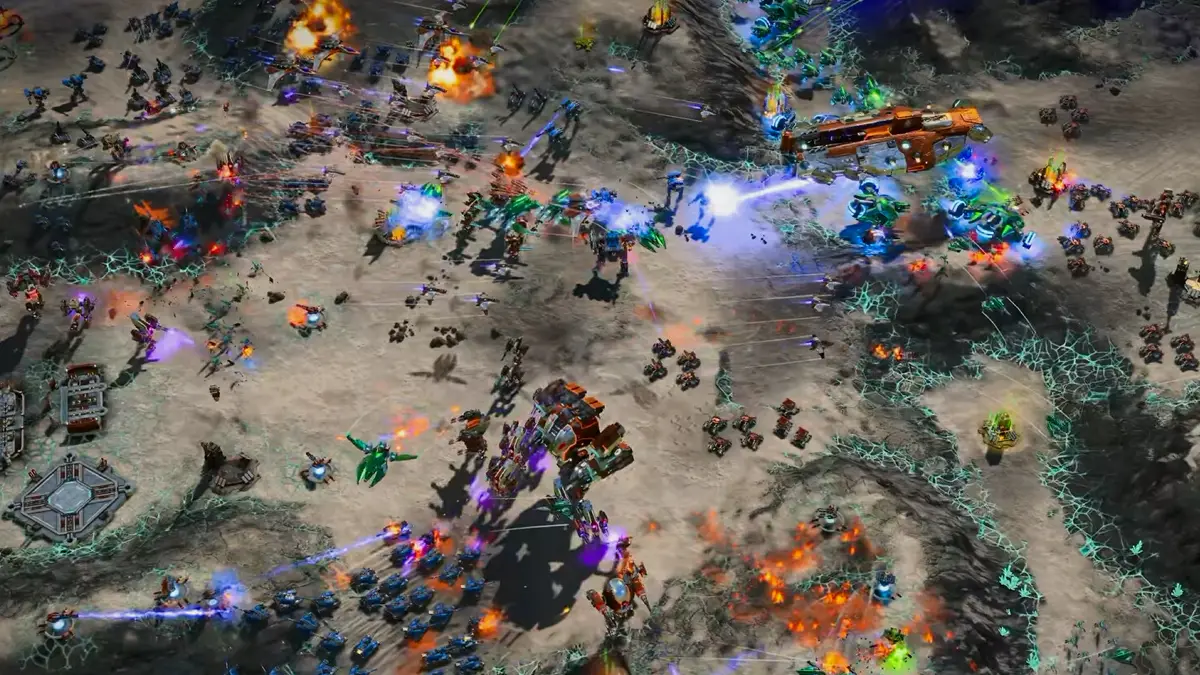
All 20 Post-Human Coalition units in Ashes of the Singularity II: stats, costs, aircraft, commanders and the upgrade path to Hyperion.
Ashes of the Singularity II Substrate Build Order
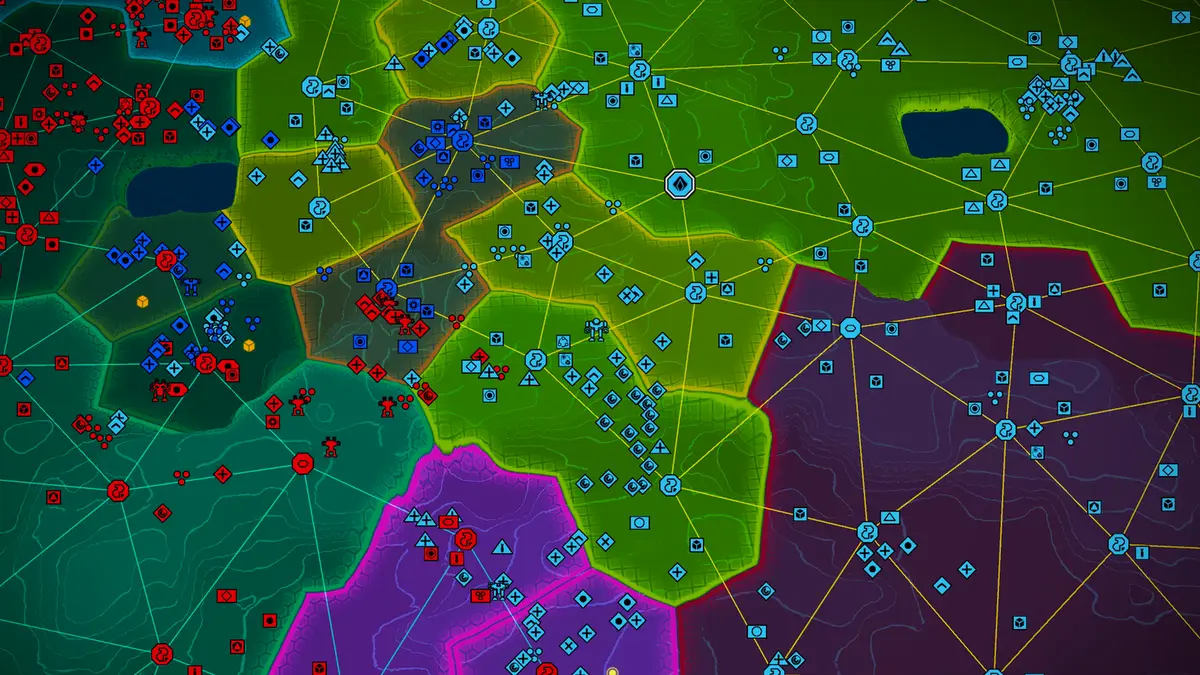
A Substrate opening for Ashes of the Singularity II: cheap Hatchlings, the Eradicator timing, Reaper trades and the first Punisher.